Clock in.
Get paid.
Hours, jobs, estimates and invoices for independent contractors. Free, no sign-up, and your data stays on your iPhone.
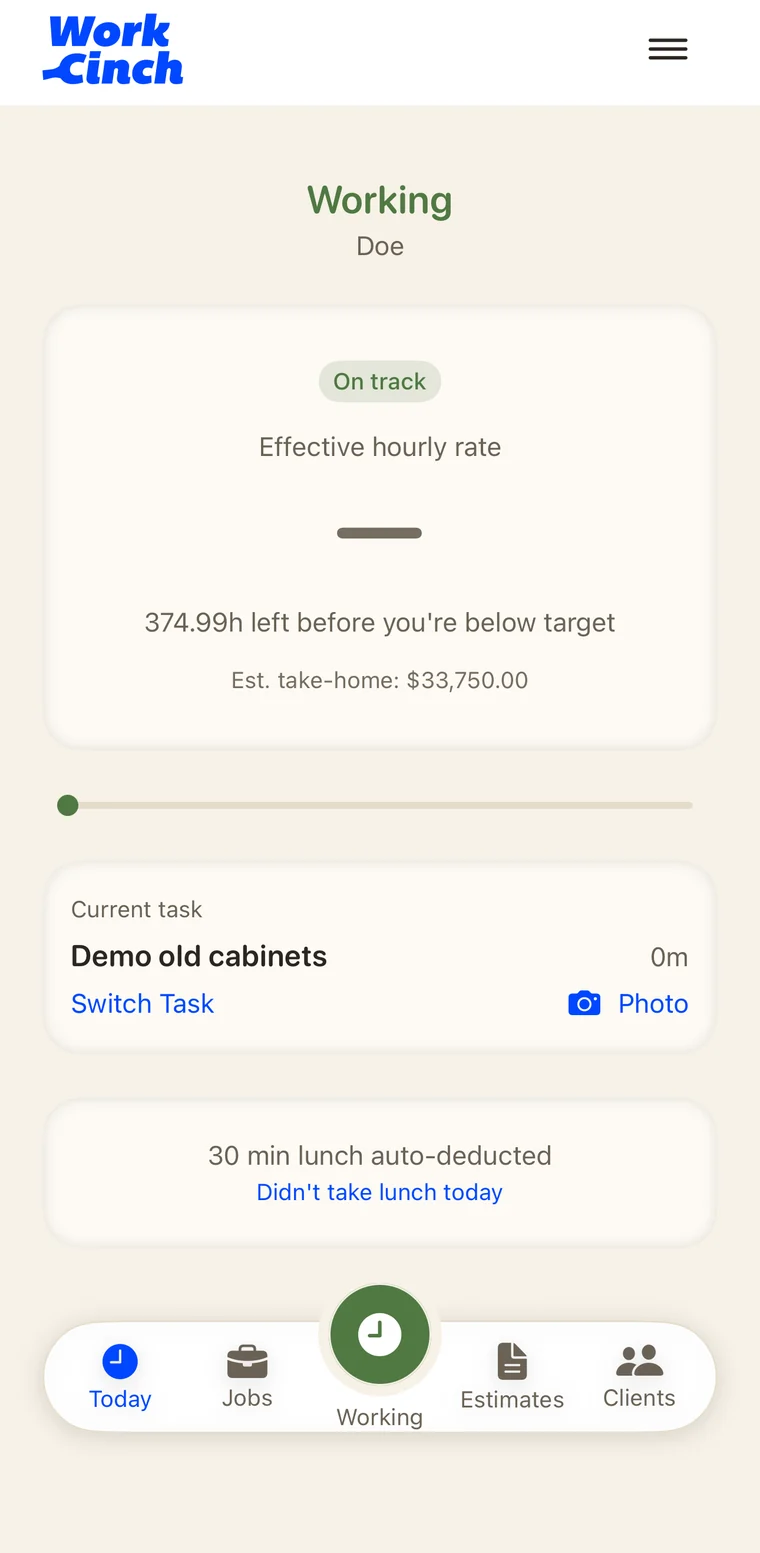
See it on the job
Real screens from the app. No mockups.
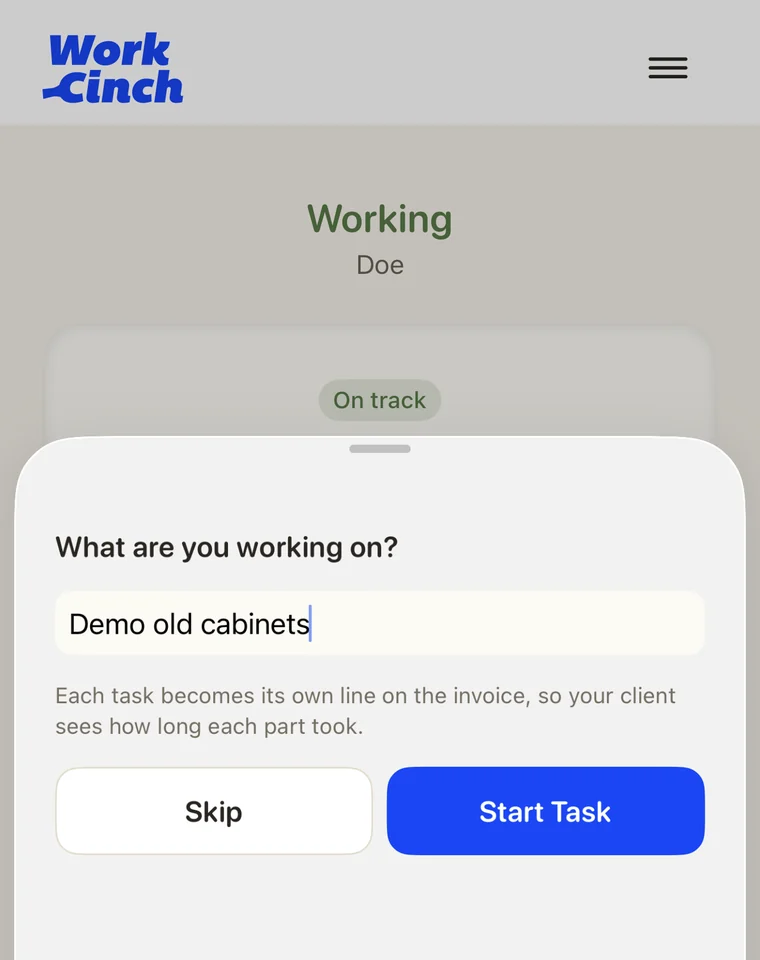
Built for the job site
Everything an independent contractor needs from the first estimate to the final payment, in one app on your phone.
Clock in, clock out
Track hours with breaks, auto-lunch, and reminders to clock in and out. Watch your earnings tick up as you work.
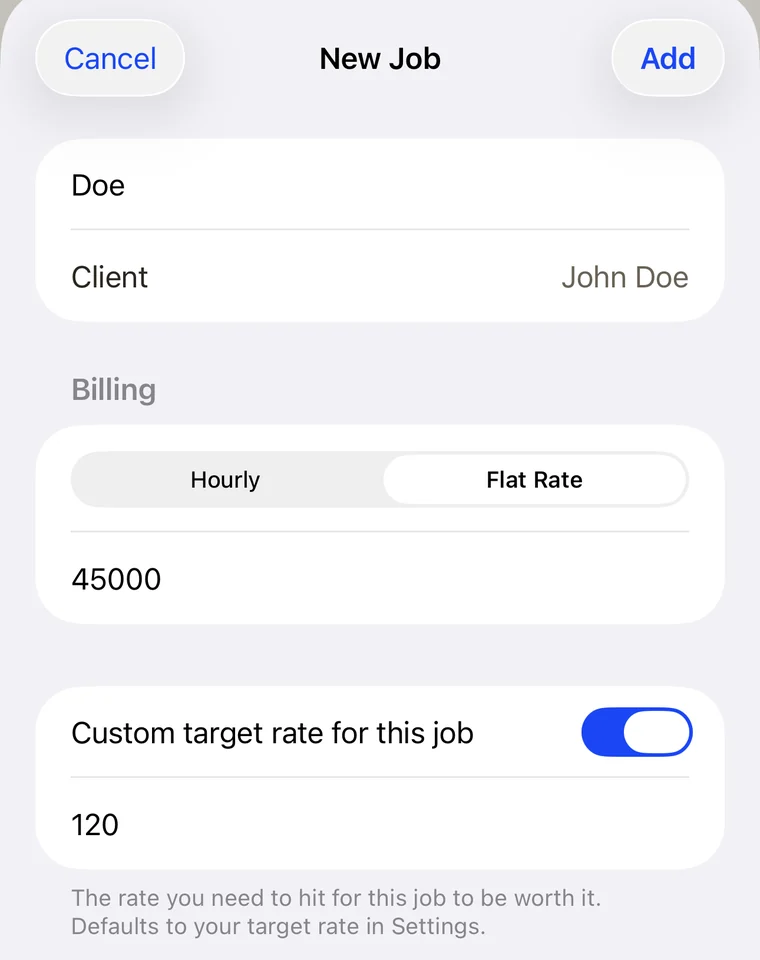
Hourly and flat-rate jobs
Bill by the hour or by the job. On flat-rate work, see your effective hourly rate so you know where the job really landed.
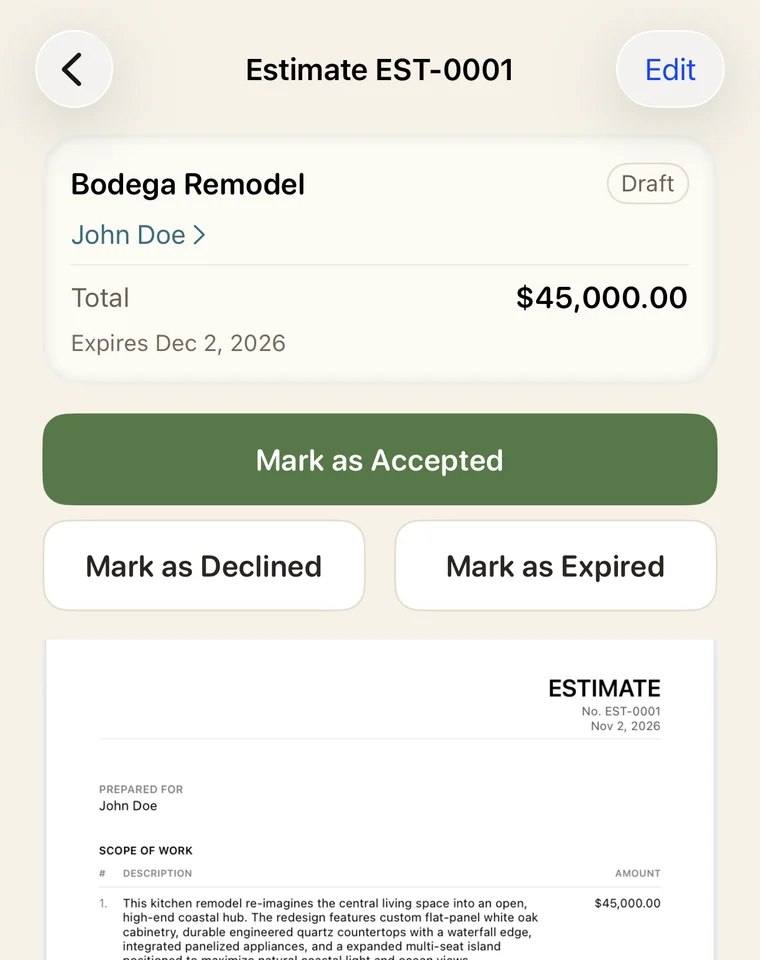
Estimates that become jobs
Send an estimate. When the client accepts, it turns into a job with the quoted price carried over.
Invoices, deposits, receipts
Clean PDF invoices, deposit requests and receipts. Email them or share them any way you like.
Clients and expenses
Keep client details, materials and expenses tied to each job. Add job photos as you go.
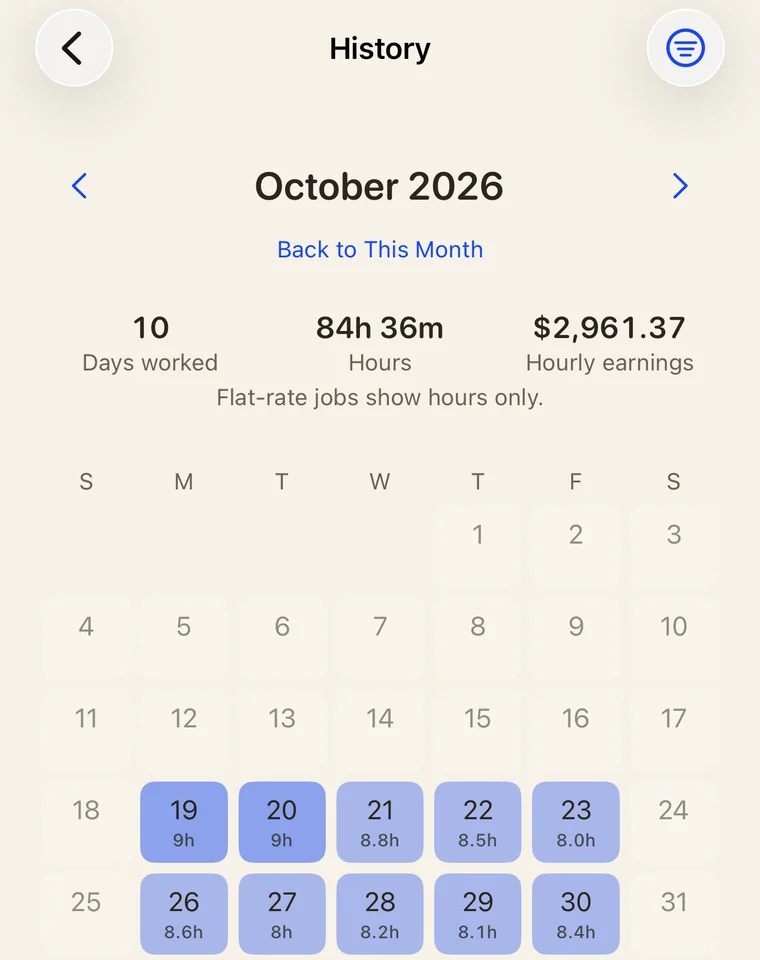
History calendar
A calendar of every day worked, with hours, earnings and photos. Filter by job or client.
Tax set-aside
An estimate of what to put away for taxes and what you actually take home.
Export everything
Export all your data as spreadsheets, PDFs and photos in one file. Restore from it any time.
Pay online by card Soon
Let clients pay invoices and deposits by card through Stripe, straight into your own Stripe account.
No sign-up
Open the app and start working. No account, no email, no password.
Your data stays put
Your jobs, clients and hours live on your phone. No analytics, no ads, no tracking.
Works offline
Basements, rural sites, dead zones. WorkCinch keeps working without a signal.
Free. Actually free.
No invoice limits, no trial that runs out. Pro is for contractors who want their own brand on every document.
Free
$0 forever
- Every feature in the app
- Unlimited jobs, estimates and invoices
- Documents carry a small "Made with WorkCinch" footer
Pro
$2.99 / month · $29.99 / year
- Your logo on invoices, estimates and receipts
- No WorkCinch footer
- Cancel any time in your Apple ID settings
Card payments (coming soon): when a client pays online, Stripe takes its standard card fee and WorkCinch takes 0.5%. You see the exact fees before you send anything. Cash, check and bank transfers cost nothing.
Made on the job
WorkCinch is built by a working carpenter who uses it on his own jobs. It does what a contractor needs and stays out of the way.